I lost my card. What should I do?
Last updated July 15, 2026
Freeze the card immediately: go to CostPocket > Settings > CostPocket cards, select your card, and tap Freeze card. If you find the card later, unfreeze it in the same view.
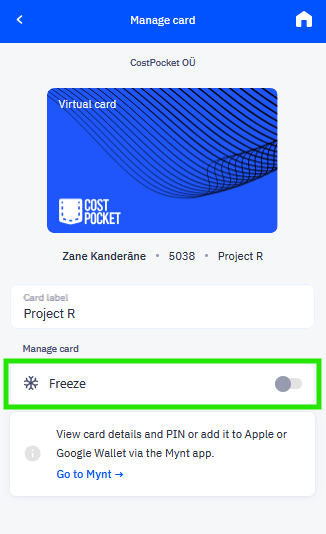
If the card doesn't turn up, ask your card manager to terminate it and order you a new one.
Frequently asked questions
Does freezing stop payments instantly? Yes, a frozen card declines all new transactions until you unfreeze it.
Will I lose the transaction history from the lost card? No, all transactions remain in CostPocket and Mynt for reconciliation, even after the card is terminated.