Telema eFlow
Last updated July 15, 2026
The CostPocket–Telema eFlow integration is activated by the CostPocket team: register your CostPocket account and organisation, then email support@costpocket.com to request the connection. Telema is the Baltics' leading EDI and e-invoicing operator — learn more.
Before you begin
Set up your CostPocket account first: Registration, Add a company, or Join a company.
Connect the integration
Once your user account and organisation are registered, write to support@costpocket.com and our team will create the integration between Telema eFlow and CostPocket for you.
How documents flow to Telema
Send documents one by one (invoices) or as expense and travel reports:
- How to submit receipts and invoices
- Submitting expense, travel, and mileage reports
- Submit documents by email
Where to find documents in Telema
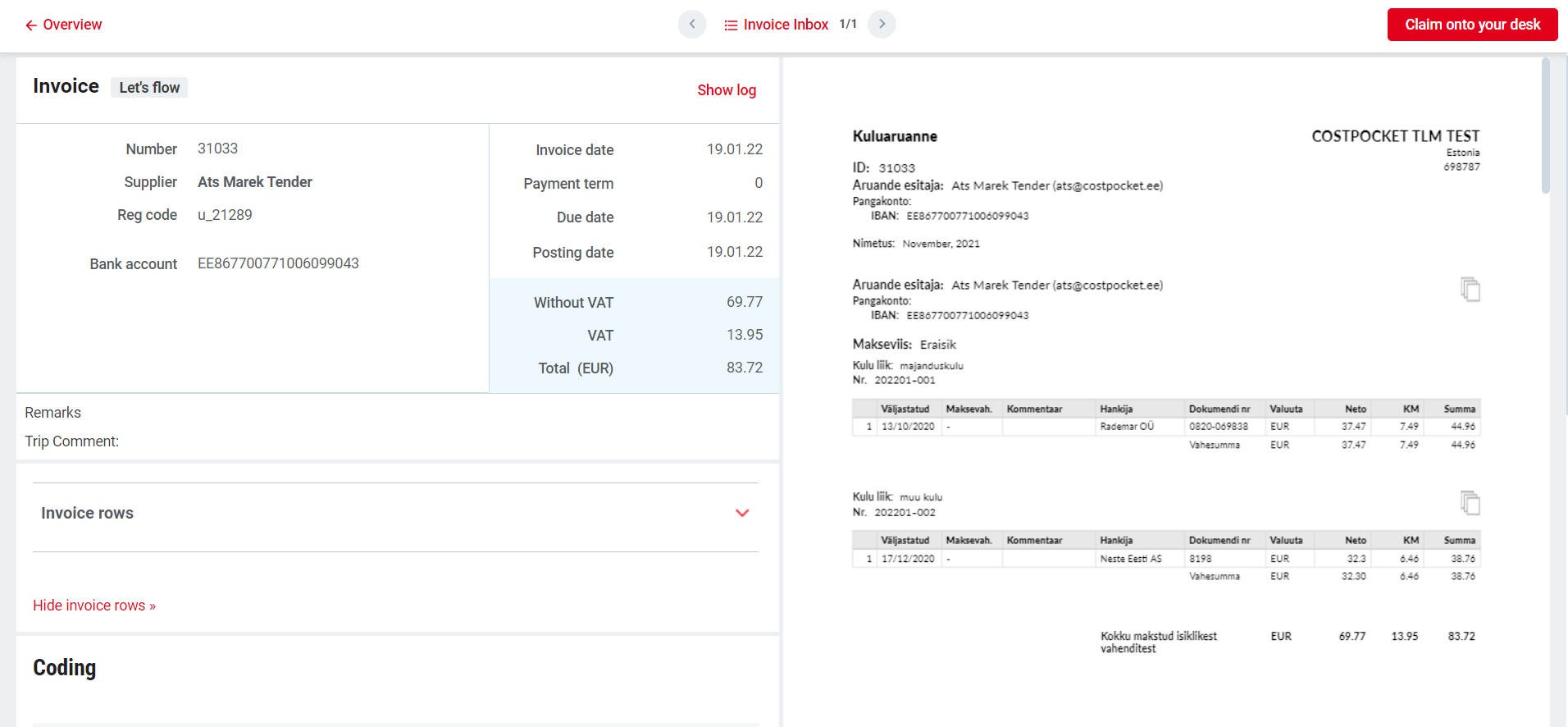
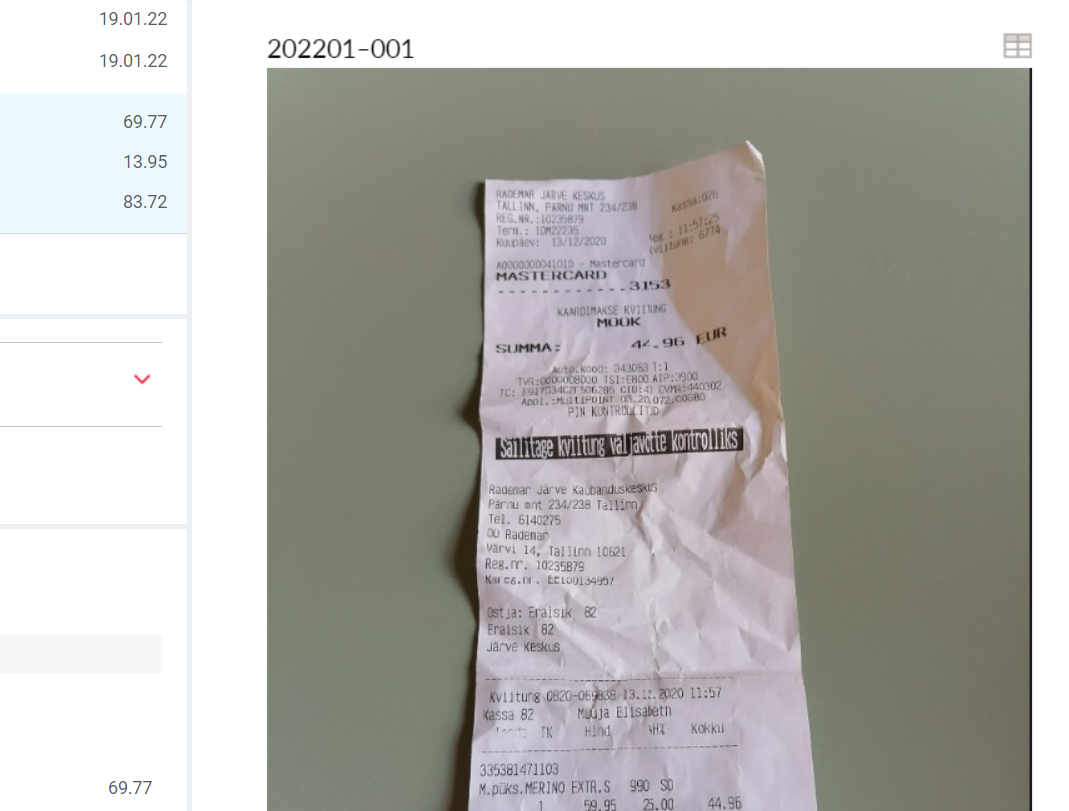
Submitted documents appear in the Telema eFlow environment with the document images attached as a PDF file.

Frequently asked questions
Why can't I activate this integration myself? The Telema connection is configured company-by-company by the CostPocket team — one email to support@costpocket.com starts the setup.
How long does activation take? Typically the team responds within a business day; mention your company name and registration number to speed things up.