How to connect CostPocket with Directo
Last updated July 15, 2026
Connect CostPocket with Directo by entering your company's Directo inbox address in CostPocket's integration settings. Digitised invoices, receipts, and reports then arrive in Directo's Document transport section.
Before you begin
Set up your CostPocket account first: Registration, Join a company, or Add a company.
Connect the integration
- In CostPocket, go to Settings > Accounting software integration and choose Directo.
- Enter your Directo inbox address and press Next.
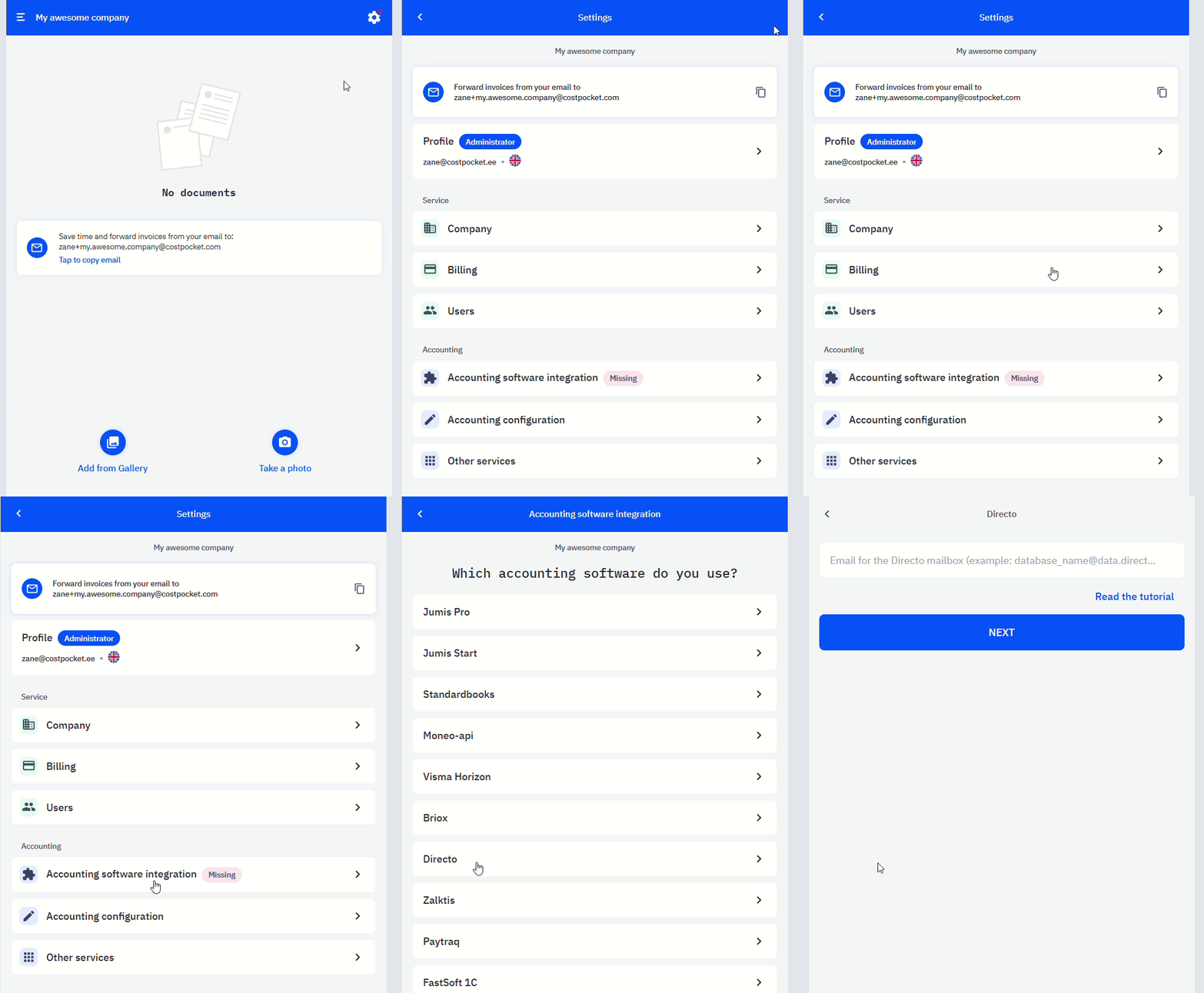
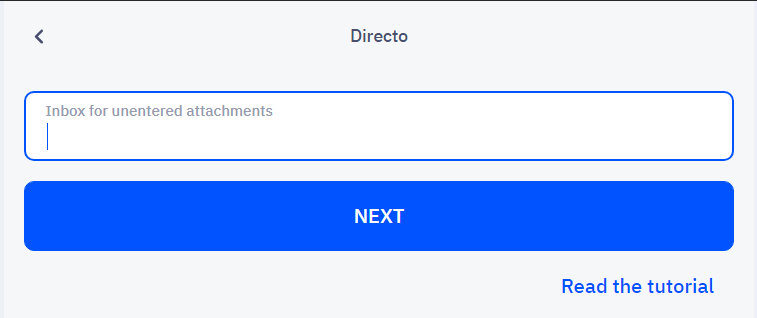
Where to find your Directo inbox address
Every Directo company has a unique inbox address built from the company name + @data.directo.ee. Find the company name in your Directo URL after you log in — it's the part after "ocra_". Add @data.directo.ee to it: for example, a company shown as ocra_example has the inbox address example@data.directo.ee.

How documents flow to Directo
Send documents one by one (invoices) or as expense and travel reports:
- How to submit receipts and invoices
- Submitting expense, travel, and mileage reports
- Submit documents by email
Where to find documents in Directo
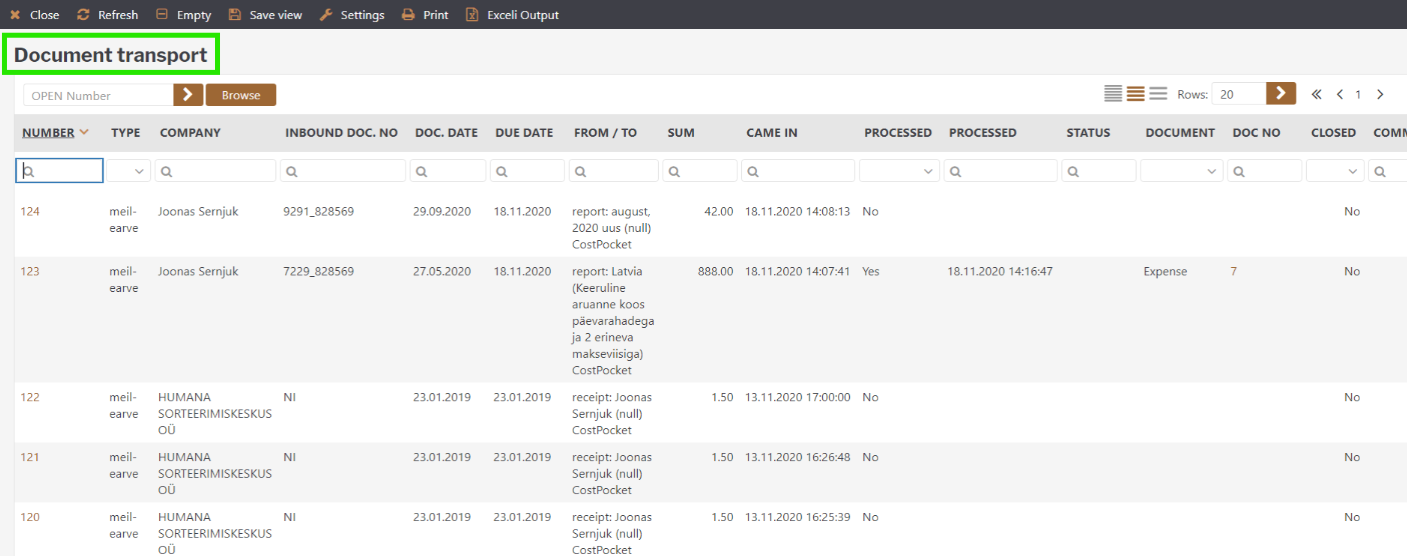
All invoices, receipts, and reports arrive in Directo's Document transport section.
Frequently asked questions
My documents aren't arriving in Directo — what should I check? Verify the inbox address in CostPocket's integration settings: it must be the exact company name from your Directo URL (after "ocra_") plus @data.directo.ee.
Can employees submit straight from their phones? Yes — once the integration is set, anything submitted through the app, Cloud, or email flows to Directo automatically.