Detectable data fields
Last updated July 6, 2026
Which data fields does CostPocket extract?
CostPocket's AI digitisation extracts all the key accounting data from receipts and invoices — and, when enabled, itemised line data as well.
Standard fields (all documents)
- Supplier name
- Supplier registration code
- Document number
- Document issue date
- Currency
- VAT rate
- VAT sum
- Net amount
- Total
- Last 4 digits of the payment card
Extra fields (invoices)
- Due date
- Order ID
- IBAN (International Bank Account Number)
- Payment reference number
Item line data
- Description and code
- Order number
- Quantity and unit price
- VAT rate, net amount, and total per line
How to turn on item line digitisation
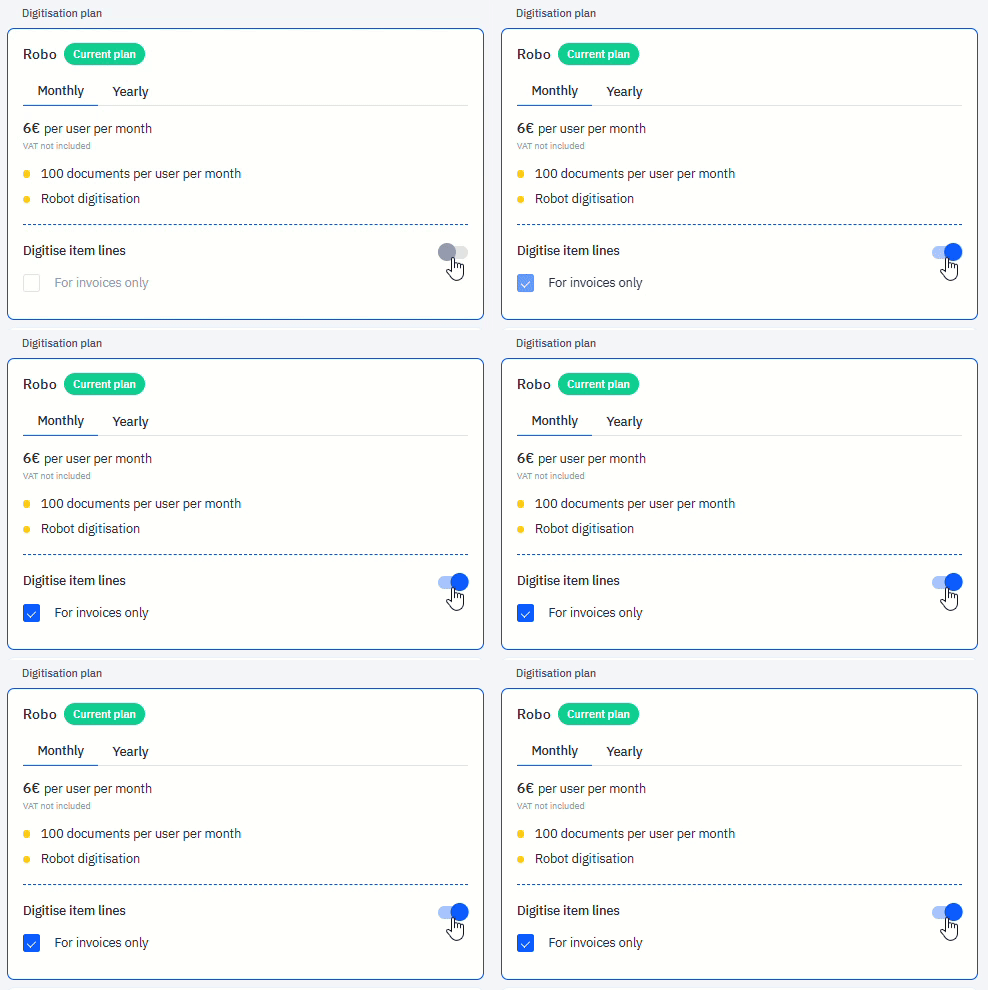
Activate item line digitisation in Settings > Billing.
- On the Robo plan, item line digitisation is included in the plan fee.
- On the Pay as you go plan, it costs €0.05 + VAT per line and each line is reviewed and confirmed by a human.
Frequently asked questions
Does CostPocket read individual line items on an invoice? Yes, when item line digitisation is enabled in Settings > Billing. Each line's description, quantity, unit price, VAT, and totals are extracted.
Is the payment card number captured? Only the last 4 digits, which is what accounting needs to match the transaction to a company card.