Use CostPocket without accounting software integration
Last updated July 8, 2026
You don't need accounting software to use CostPocket. Digitise your receipts, build expense and travel reports, and receive them by email as Excel and PDF files — ready to hand to your accountant or file yourself.
Before you begin
Set up your CostPocket account: Registration, Join a company, or Add a company.
Enable Excel/PDF export
- Go to Settings > Accounting software integration and select Excel, PDF.
- Enter the email address where you want to receive the reports and click Activate.
How it works
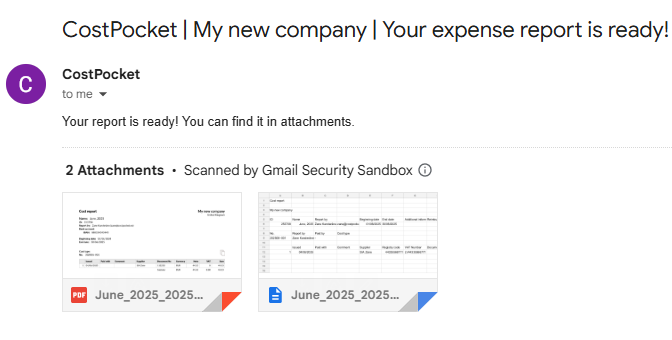
Submit documents and create reports as usual — each completed report is delivered to your chosen email address in Excel and PDF formats:
- How to submit receipts and invoices
- Submitting expense, travel, and mileage reports
- Submit documents by email
Frequently asked questions
Who is this setup for? Small businesses whose accountant works outside any integrated platform, freelancers, and anyone who just wants organised, digitised expense files.
Can I switch to a full integration later? Yes, connect any of the supported accounting platforms at any time under Settings > Accounting software integration.