Automated Expense Management & Company Cards for Excellent Books
Eliminate paper receipts and manual data entry. CostPocket allows you to sync your expenses easily to with Excellent Books and Excellent ERP.
- 99.5% Verified OCR accuracy
- 24-48h turnkey go-live
- 2-way sync
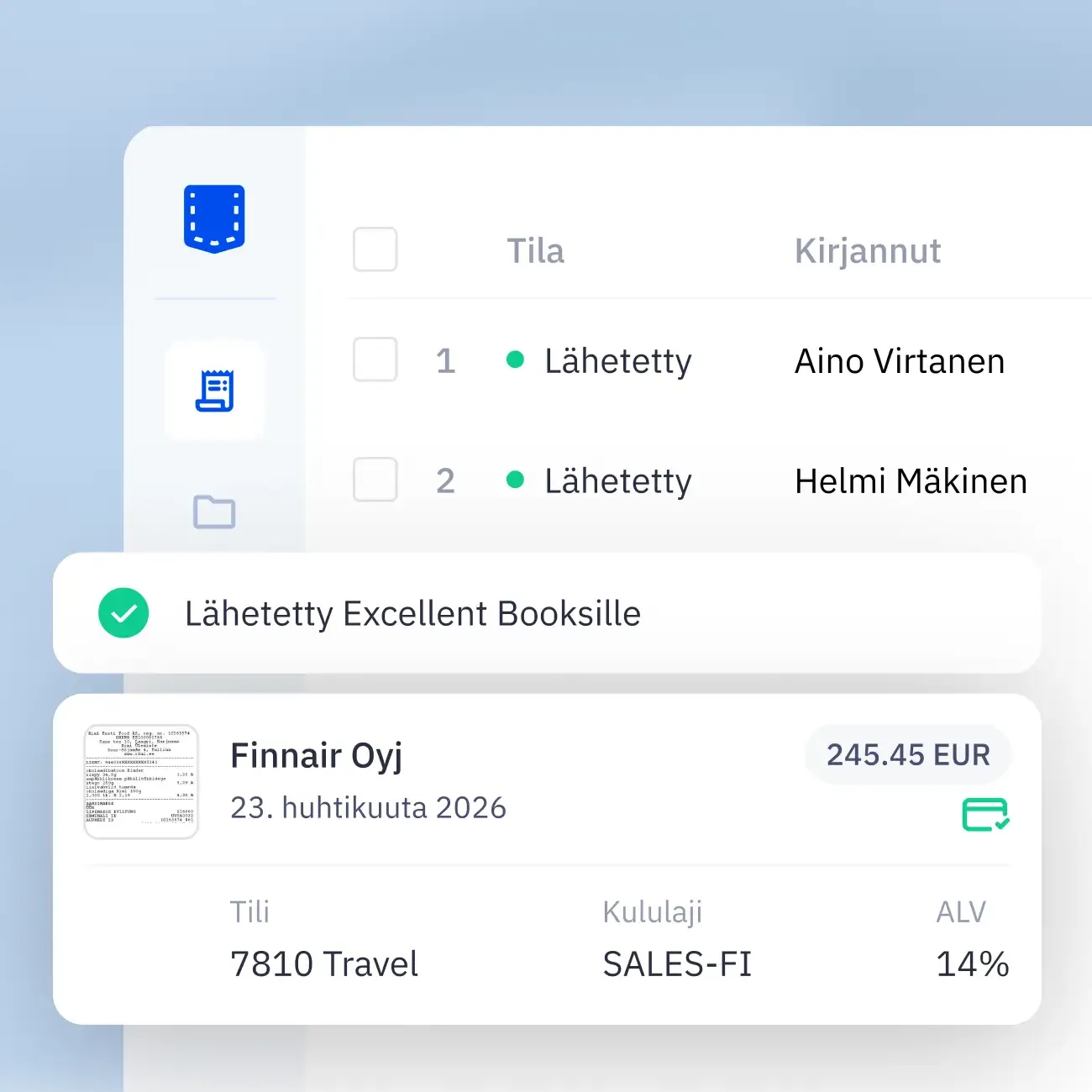
All-in-One Expense Management
CostPocket automates expense handling from receipt to accounting, so employees spend less time on paperwork and accountants get clean data.
AI or Human-Verified Digitisation
Our AI extracts the key accounting data from invoices and receipts, including line items, with over 97+% accuracy. If you need more, choose human-verified digitisation at 99.5+% accuracy.
Travel & Mileage Reports
Create travel reports in the mobile app. Daily allowances are calculated automatically and kept compliant with Finnish tax rules.
Document Approval Workflows
Enable and customise approvals so all company spend is reviewed and confirmed before reaching accounting.
Document Submission by Email
Forward invoices to your unique CostPocket inbox, up to 100 documents at a time. We accept PDF, DOCX, XML, HTML and all common image formats, including JPG, PNG, HEIC and WEBP.
CostPocket Company Cards
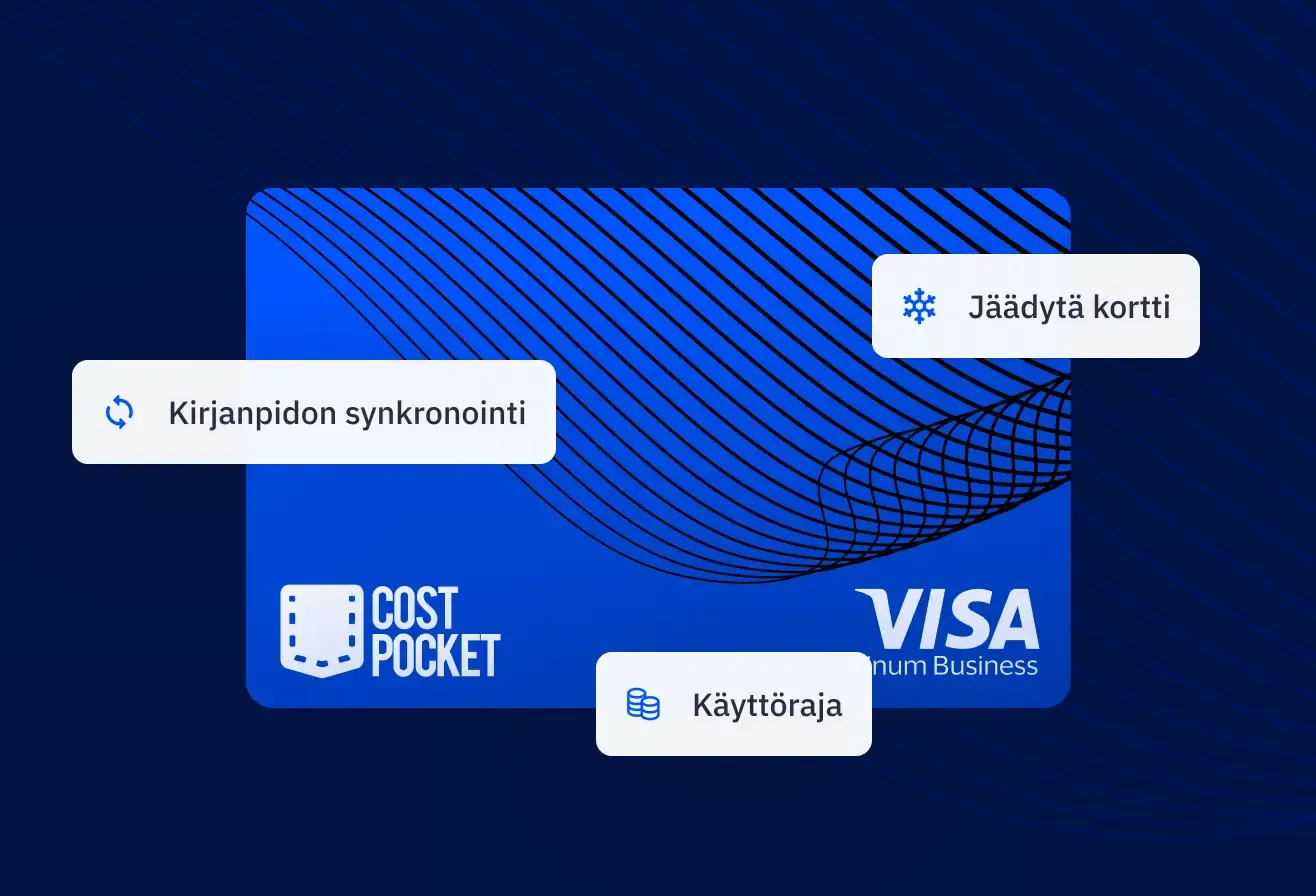
Visa cards for your whole team. After document submission, every transaction is matched automatically and sent to accounting. Included in your plan, with no monthly cards fees.
Native two-way sync with Standard Books & Standard ERP
No manual CSV imports and bookkeeping delays: CostPocket integrates with Excellent Books / Excellet ERP through a powerful integration.
For every business purpose
- Everyday purchases
- Business trips
- Online ads and subscriptions
- Temporary cards for projects or events
Excellent Books / Excellent ERP
- Purchase invoices & expense journals created
- Chart of accounts & VAT codes synced from ERP
- Cost objects, departments & employee records
- Audit-ready attachments inside every voucher
Step-by-Step Onboarding Process
Getting started requires zero technical heavy lifting from your team. Click any phase below to inspect the exact deliverables for Business Excellent Solutions Suomi and your company.
- Day 1
- Day 1-2
- Day 2
Request integration to CostPocket
Send a request to X@excellent.fi from your business email for the team to start onboarding your company.
Receive an invite to activate your Company with CostPocket
Excellent Books team will configure the API connection create an account with CostPocket with pre-configured accounting settings and context, including tax codes, cost centers, etc.
Activate and Start Using
Upon activation, you can start reporting your expenses and documents via mobile app on phone or Cloud environment on computer
Phase 1 activation
Book activates integration and CostPocket on behalf of your company
Excellent Books / Excellent ERP
- Purchase invoices & expense journals created
- Chart of accounts & VAT codes synced from ERP
- Cost objects, departments & employee records
- Audit-ready attachments inside every voucher
Your actions
- Submit activation request with your company details € Standard Books version.
- Confirm primary administrator email address for workspace handover.
- Zero technical coding or manual ledger configuration needed.
Ready to Automate Expenses & Company Cards in Excellent Books?
Request your turnkey activation today. Business Excellent Solutions Suomi will configure your CostPocket integration and have your team live within 24–48 hours.