How to set the invoice recipient
Last updated July 6, 2026
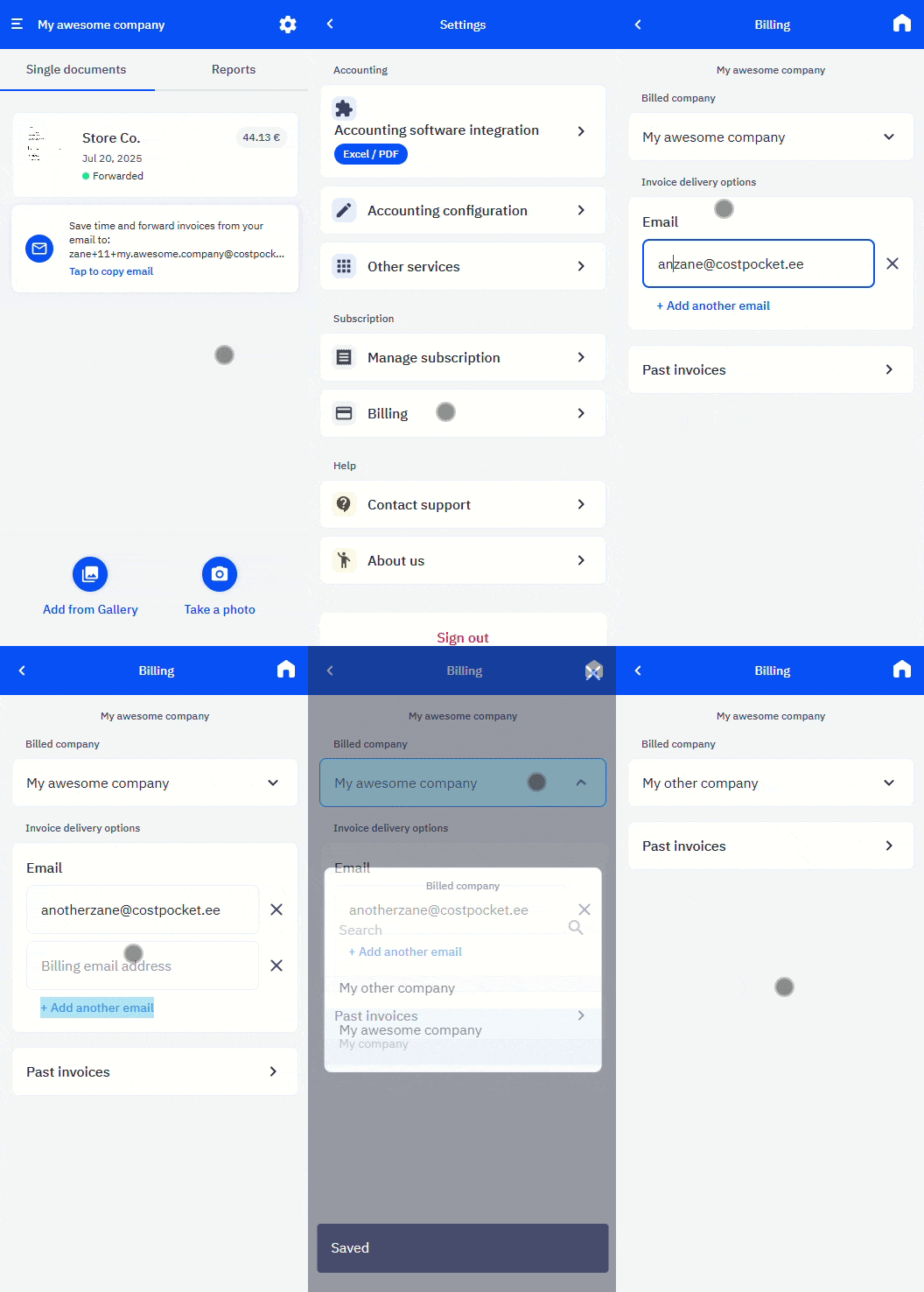
To change or add the recipient of your CostPocket service invoices, go to Settings > Billing.
If you manage multiple company accounts in CostPocket, the invoice can also be issued to another one of your companies — this is how accounting agencies consolidate client billing onto a single invoice.
Frequently asked questions
Can my accounting agency receive the invoice instead of us? Yes — set the agency as the recipient under Settings > Billing. Agencies also receive an accountant discount.
Does changing the recipient affect my subscription? No, it only sets who receives the invoice and pays for CostPocket services.