Manage your card
Last updated November 6, 2026
Until the CostPocket Company Cards service is fully integrated into our app (expected late 2026), you will use both the CostPocket and Mynt apps.
CostPocket App – Receipts & Overview
In CostPocket you can:
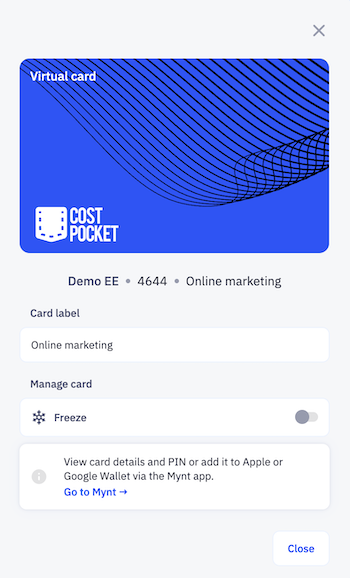
- Follow your spending: view your transactions.
- Freeze card: instantly disable the card if it is misplaced.
- Upload receipts: snap receipts to match with transactions for accounting. Read more about card reports.
Manage your cards in CostPocket > Settings > CostPocket cards > select your card.
Mynt App – Banking & Security
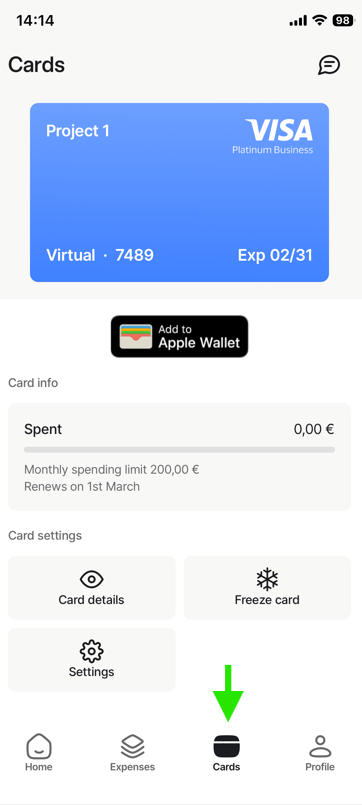
Go to Mynt app > Cards to:
- View card details: view your full card number, CVV, and PIN (physical cards only).
- Add to mobile wallets: add your card to Apple Wallet or Google Wallet.
- Freeze card: instantly disable the card if it is misplaced.
Tip: You can also manage your Mynt account on your computer at app.mynt.com.