Company cards that keep your books in order
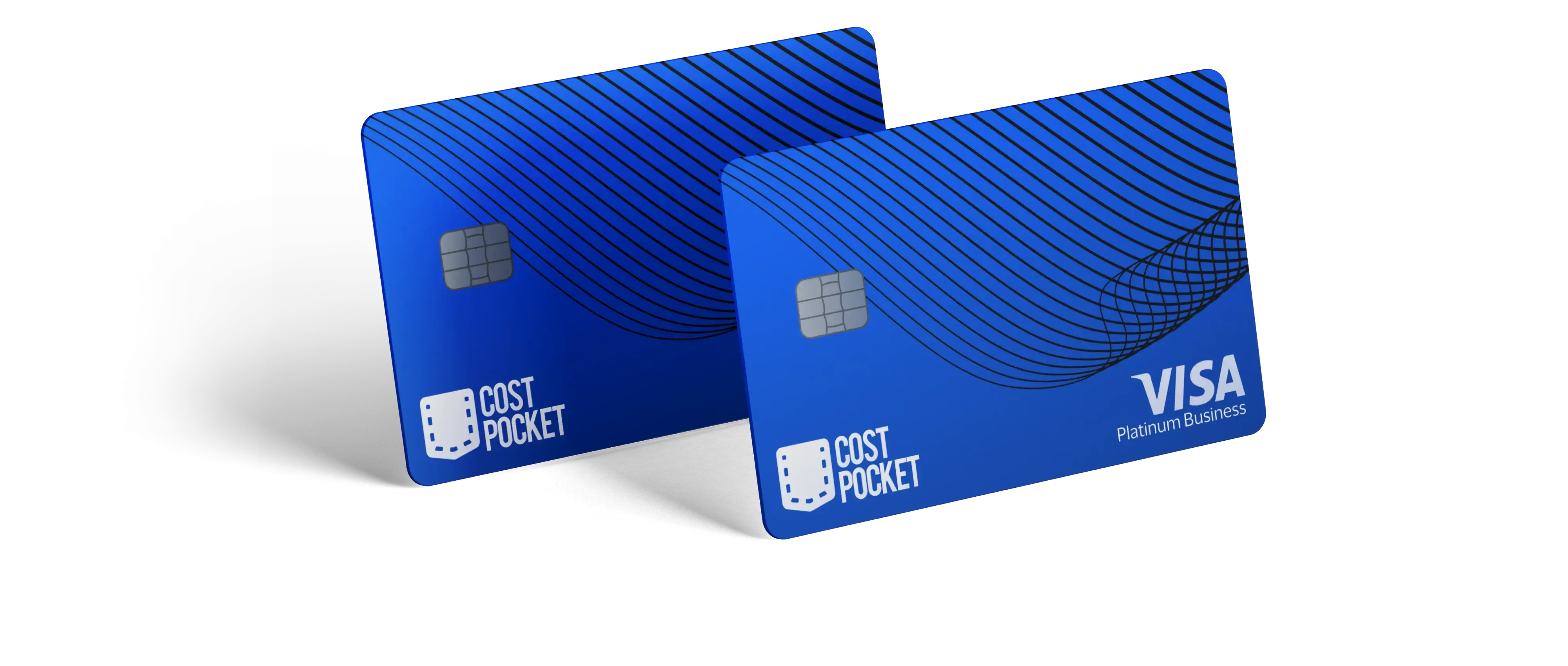
Visa cards for your whole team. After document submission, every transaction is matched automatically and sent to accounting. Included in your plan, with no monthly cards fees.
Problems we solve
Six everyday card and expense headaches. See how CostPocket eliminates them.
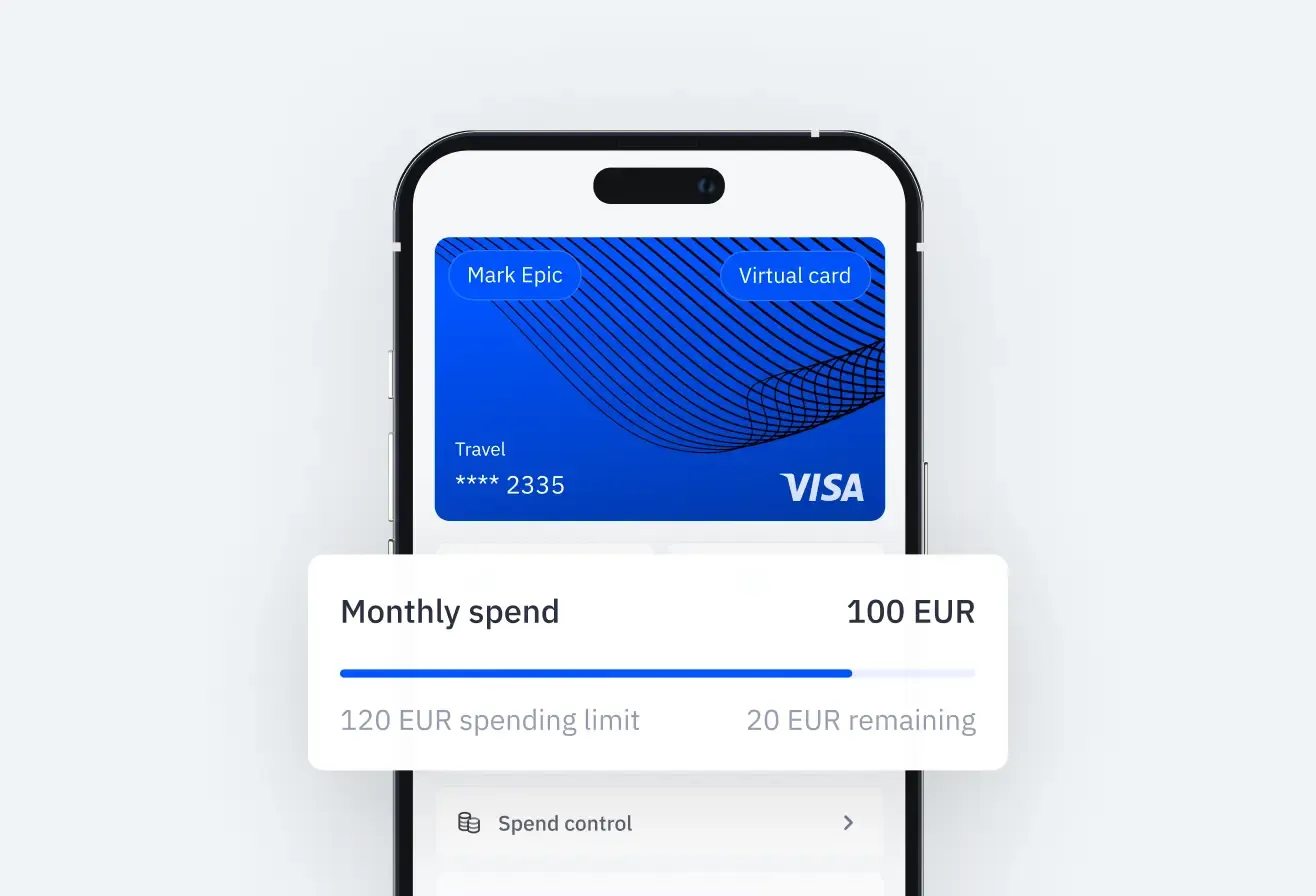
"I'm paying for work stuff with my own card."
No more advances or reimbursements. Issue Visa cards to your team with company-set limits so employees never have to use personal funds for business.
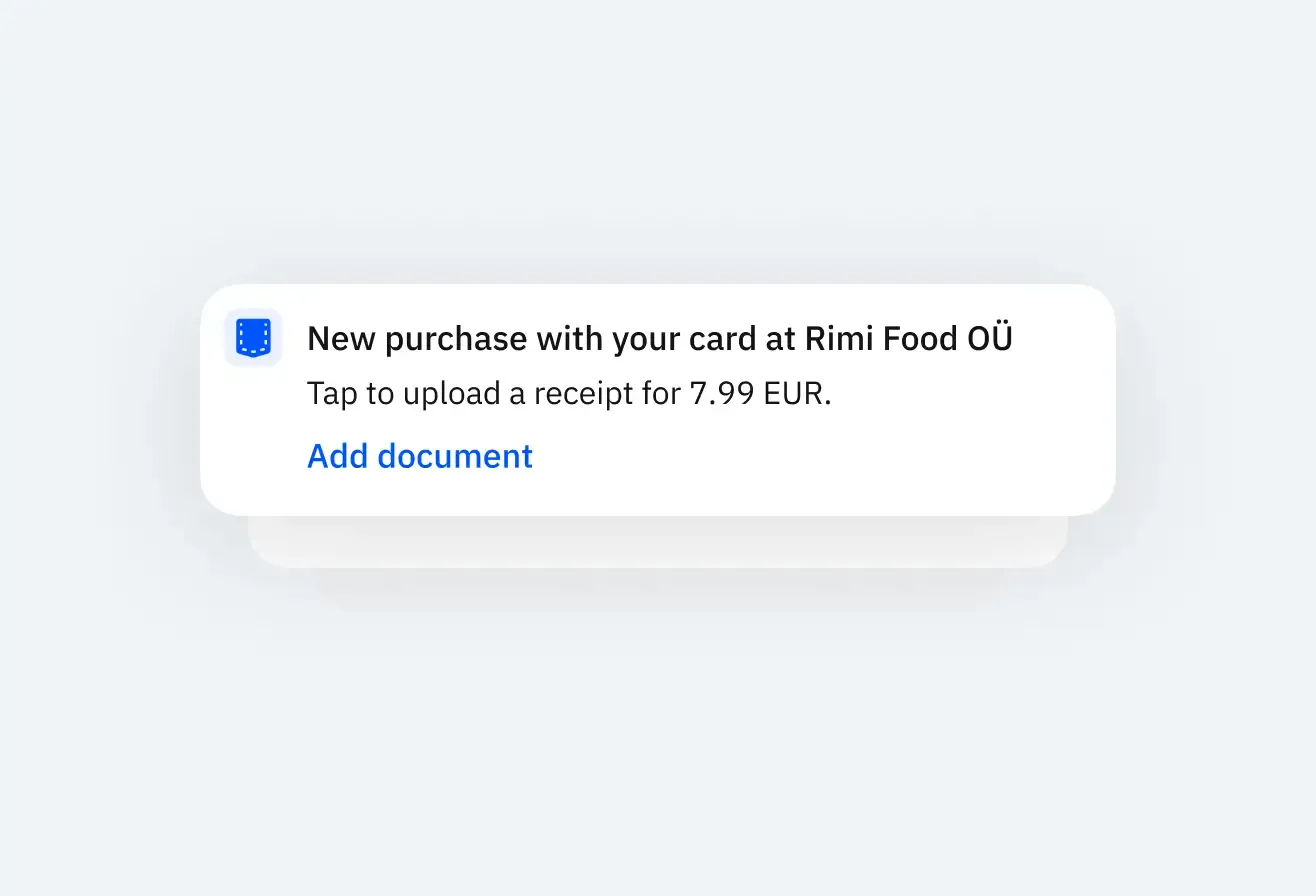
"I'm chasing receipts every month."
Employees get reminded to add the document right after the purchase. Then data is matched with the transaction before the expense is sent to accounting.
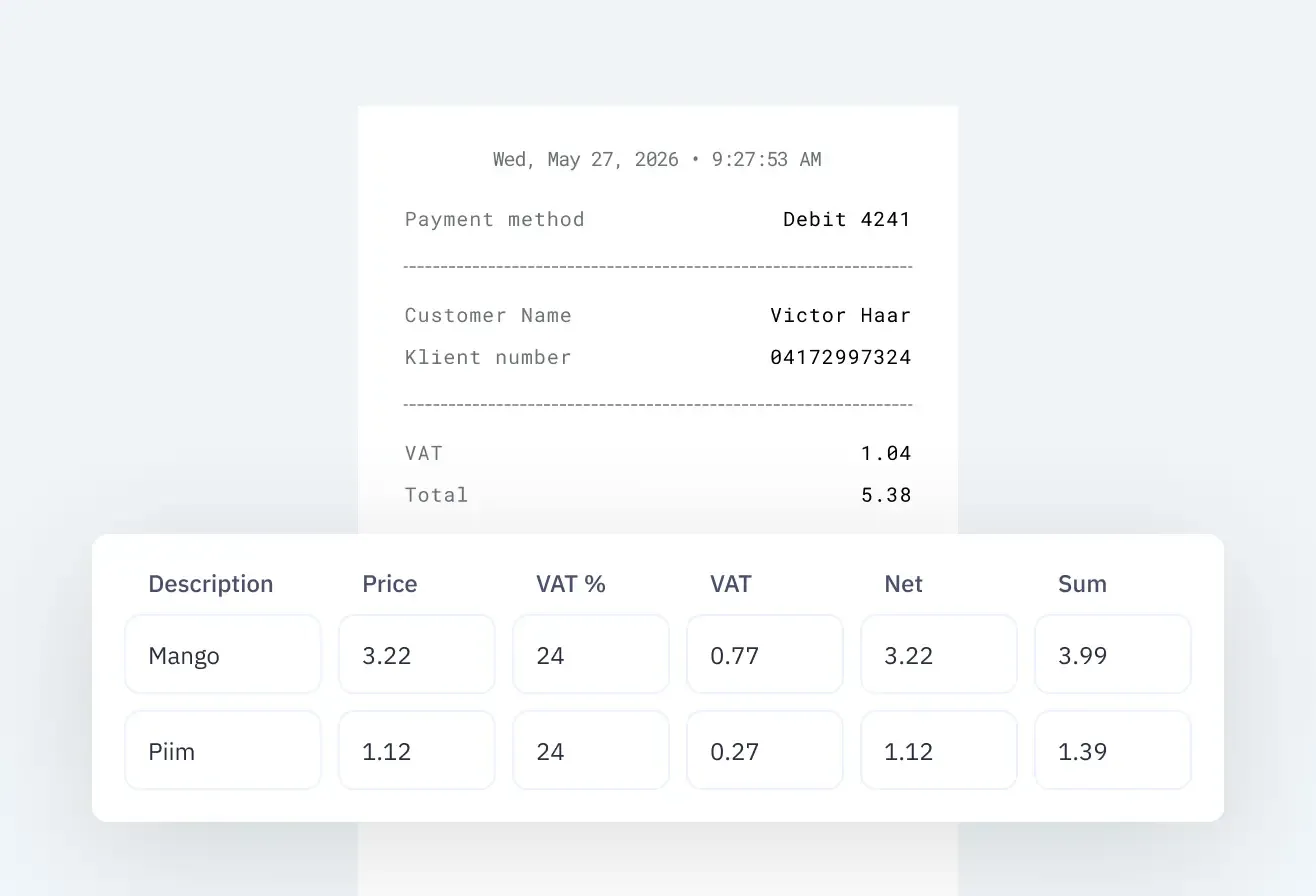
"Our accountant retypes the card statement."
Matched documents are exported to your accounting software. Invoices and receipts flow into bookkeeping seamlessly.
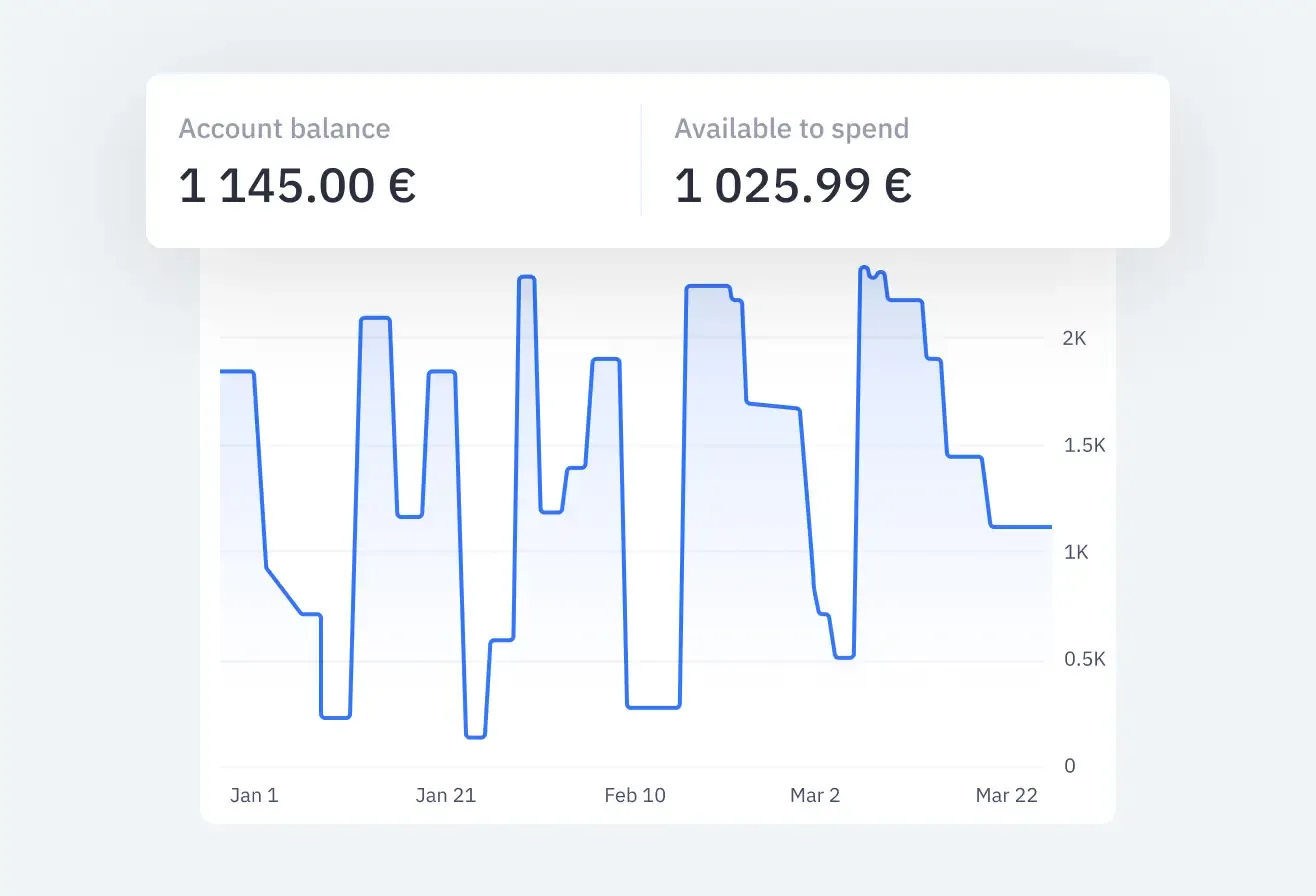
"I only see the spend when the statement arrives."
Live feed of every transaction. Track company spend in real time as it happens, with instant alerts and dashboard overview.
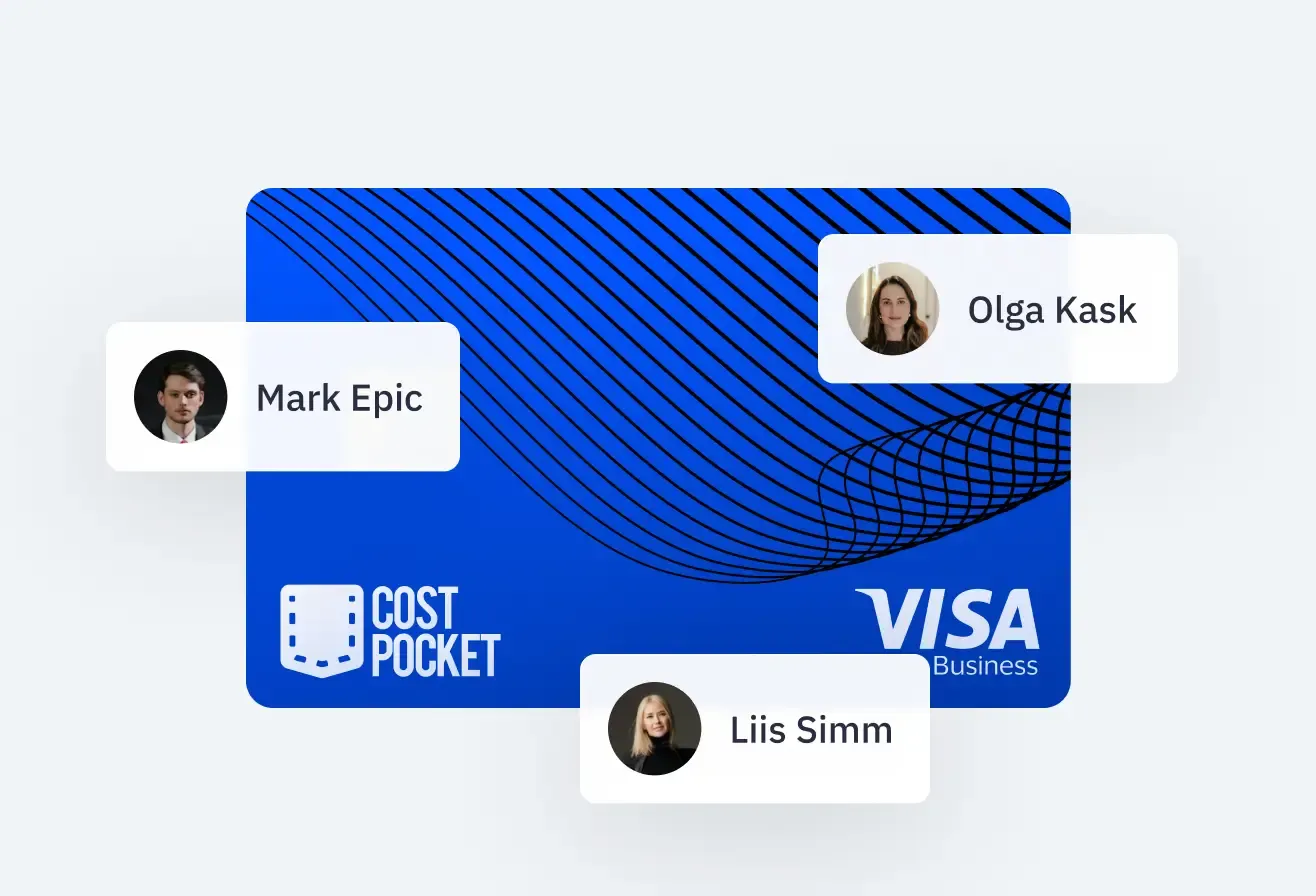
"Someone left and our software subscription died."
Dedicated cards for subscriptions and ads that don't depend on one person. Set vendor limits and transfer ownership instantly and safely.
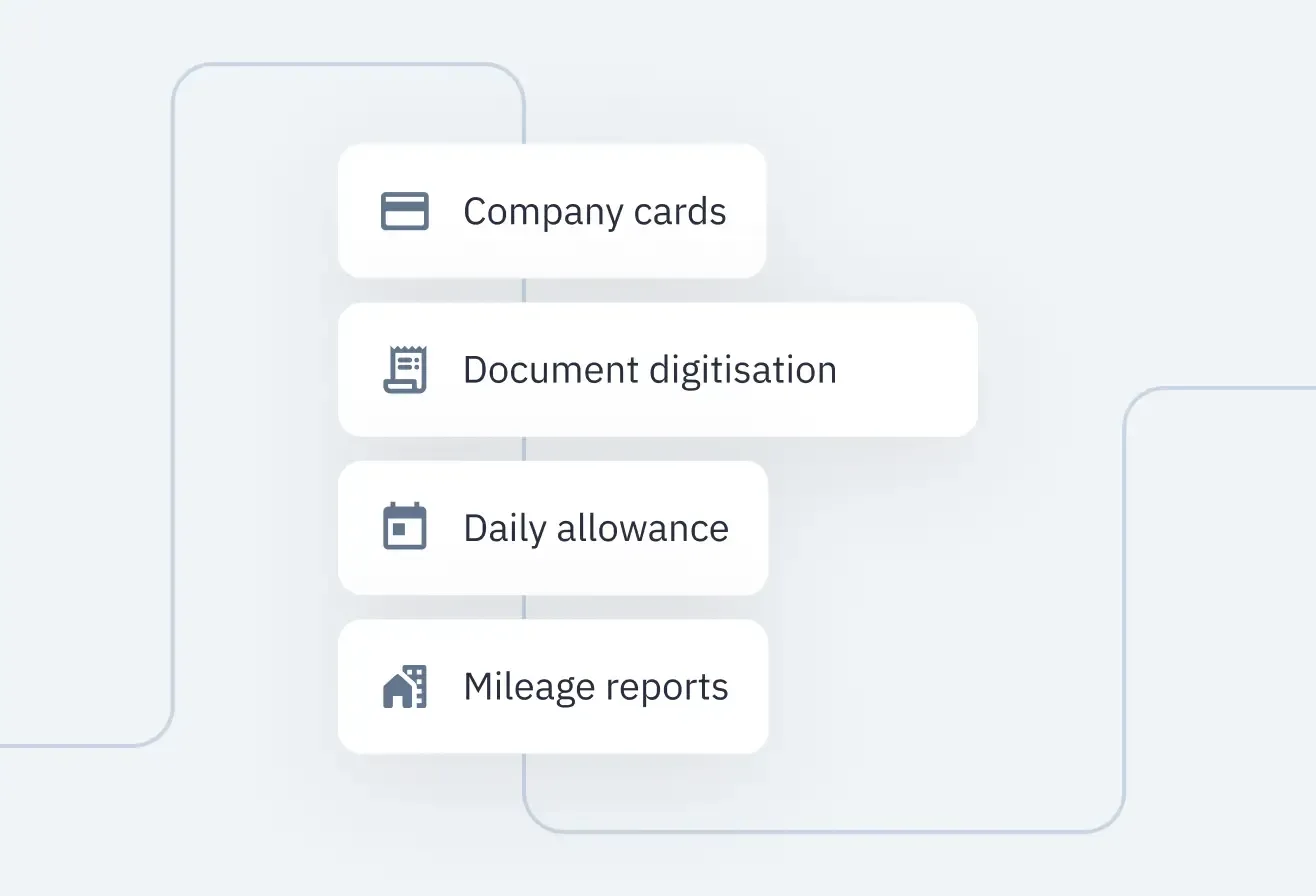
"We pay for one tool for cards and another for expenses."
It's all one system, at no extra cost. Company cards, receipt digitization, per diems, and mileage all fit under one CostPocket plan.
From card payment to booked expense, in one flow
Pay, snap the receipt, done. CostPocket matches it to the transaction, checks it and sends it to accounting, so spend is under control before month-end, not after.
- Merit Tarkvara

- Directo

- Standardbooks

- Simplbooks

- Jumis

- Zalktis

- Netvisor

- Fivaldi

- Passeli Merit

- iFirma

- Systim

- 360 Księgowość

Cards for every purpose
Physical and virtual Visa cards configured for exactly how your business operates.

What it means for you
Tailored advantages whether you make the purchase, manage team budgets, or close monthly accounts.

For Employees
- No out-of-pocket spending - never wait weeks for expense reimbursements.
- Tap to pay, snap a photo when prompted, and your job is done.
- See all your spend and limits on the app

For Managers
- Issue virtual cards immediatelly or physical cards within 10 days
- Track and control team spending via mobile or laptor

For Accountants
- Matches submitted documents with transactions, simplifying reconciliation
- Data automatically synced with your accounting software
- Eliminates reimbursements
How CostPocket stands apart

Getting started in days
Fast onboarding with zero administrative disruption.
- Today
- Day 5
- Day 30
Set up
Activate your company cards in CostPocket and finish the quick setup in Mynt to order cards for your team.
Spend
Use your card for business purchases and simply snap a photo of the receipt to upload it to CostPocket.
Match
CostPocket automatically matches your receipts to the card transactions. Review them once and submit everything to accounting.
Your team spends. CostPocket does the rest.
Built in Sweden, regulated in Europe
Enterprise-grade security, Swedish financial supervision, and full GDPR compliance.
Swedish FSA Supervised
Cards are issued by Mynt AB, a licensed e-money institution under the direct regulatory supervision of the Swedish Financial Supervisory Authority (Finansinspektionen).
Visa Global Protection
Global acceptance via the Visa network with 3D Secure verification, fraud monitoring, and zero-liability protection for unauthorized commercial charges.
EU Data Storage & GDPR
All transaction logs, receipt scans, and financial records reside exclusively in secure EU data centers, fully compliant with GDPR requirements.
Bank-Grade Spend Controls
Set individual spend caps, toggle online/ATM permissions per card, and freeze or cancel lost cards instantly from the mobile or web app.
Frequently Asked Questions
Everything you need to know about CostPocket company cards, reconciliation, and accounting sync.
How are company card transactions reconciled?
CostPocket matches imported card transactions with submitted receipts and highlights missing or mismatched documents for review.
Are both physical and virtual cards supported?
Yes. Both are supported equally, with the same import and reporting flow. Card limits and restrictions are managed separately in your card provider setup.
How does CostPocket match card transactions with receipts?
Matching is based on transaction amount, date, and vendor name. The process is automatic but can be corrected manually if needed.
What happens if a transaction doesn't have a receipt?
Users can mark that the transaction is missing an expense document, and accountants will process it accordingly.
Do unmatched transactions block report submission?
No, but they remain clearly flagged until receipts are attached or marked as missing, ensuring transparency for accountants.
Do Payment Card Reports support multiple currencies and VAT?
Yes. Reports automatically include currency conversion, VAT data, and cost-centre details for each transaction.
How are card transactions imported?
Transactions can be imported automatically via bank link, or uploaded manually using statement files.
Can accountants manually adjust or relink transactions?
Yes. Accountants can unlink or reassign receipts at any time before exporting to accounting.
Card tutorials and step-by-step guides
Step-by-step guides to help your team activate, manage, and report on company cards effortlessly.
Card Activation & First Purchase
Step-by-step instructions on activating your new physical card and completing your first chip-and-PIN transaction.
Apple & Google Wallet Setup
Connect your virtual or physical CostPocket card to Apple Pay or Google Pay for contactless payments on phone or watch.
Managing Team Cards (For Admins)
Issue new virtual or physical cards, set employee spending allowances, and manage all company cardholders in one place.